One encoder recipe that works everywhere (Streamlabs, vMix, Ecamm)
Standardize your custom RTMP setup across Streamlabs, vMix, and Ecamm Live with full server URLs, plan-capped bitrates, and keyframe settings that never fail.
Standardize your custom RTMP setup across Streamlabs, vMix, and Ecamm Live with full server URLs, plan-capped bitrates, and keyframe settings that never fail.
Manage YouTube, Facebook, and Twitch chats from one unified panel in Web Studio, complete with outbound replies.
Configure OBS Studio for ApexStream with tested ingest settings, 2-second keyframe intervals, rate control, and plan bitrate caps for smooth multistreaming.
Discover how to automate professional name overlays for yourself and your guests using the ApexStream Brand Kit, directly within your browser.
Product cards, honest goals, and Stripe-backed totals beat countdown theater. Quiet commerce keeps the show worth returning to.
Learn how to run live shopping streams using Web Studio product cards and Stripe revenue goal bars without pushy countdown timers or fake order alerts.
AI Live Captions in the Web Studio transcribe the host mic only. Discover what this means for your interviews and how to choose the right caption size.
Professional audiences, odd access rules, and why custom RTMP is still the pragmatic way into LinkedIn Live.
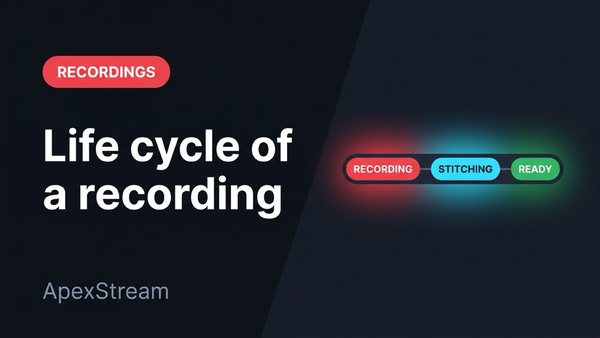
Every Media Library recording badge explained from the real pipeline: capture, stitch, process, upload, ready — and what failed means.
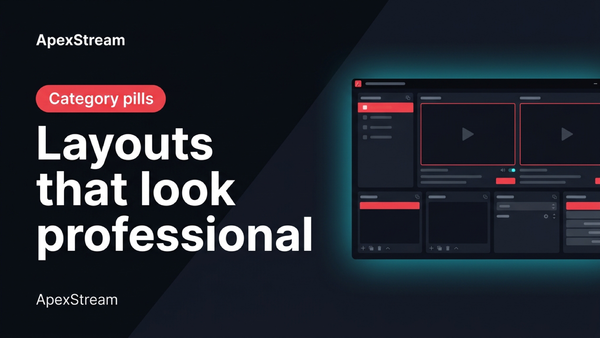
Learn how to use Web Studio scenes like Split, PiP, and Presenter to keep your live stream visually dynamic and professional.
Sub-second latency isn't always ideal. Learn when real-time interaction matters and when standard broadcast buffers deliver superior quality.
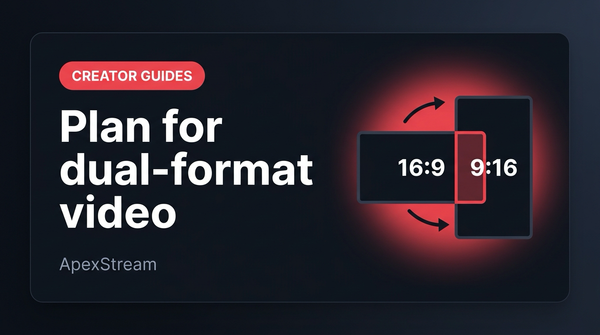
Design 16:9 live broadcasts for seamless 9:16 vertical re-framing using camera headroom, layout rules, and Web Studio portrait modes or AI Clips.