OBS + ApexStream: the settings we test against
Configure OBS Studio for ApexStream with tested ingest settings, 2-second keyframe intervals, rate control, and plan bitrate caps for smooth multistreaming.
Configure OBS Studio for ApexStream with tested ingest settings, 2-second keyframe intervals, rate control, and plan bitrate caps for smooth multistreaming.
Discover how to automate professional name overlays for yourself and your guests using the ApexStream Brand Kit, directly within your browser.
Learn how to run live shopping streams using Web Studio product cards and Stripe revenue goal bars without pushy countdown timers or fake order alerts.
AI Live Captions in the Web Studio transcribe the host mic only. Discover what this means for your interviews and how to choose the right caption size.
Learn how to use Web Studio scenes like Split, PiP, and Presenter to keep your live stream visually dynamic and professional.
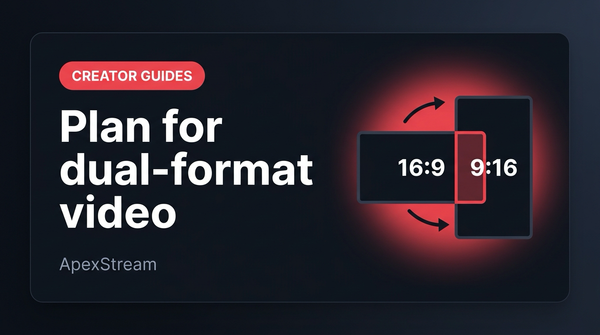
Design 16:9 live broadcasts for seamless 9:16 vertical re-framing using camera headroom, layout rules, and Web Studio portrait modes or AI Clips.
Understand the power of isolated per-guest audio tracks for post-production editing, available on the ApexStream Scale and Enterprise plans.
Bringing guests on stream shouldn't be stressful. Learn how to use the Web Studio green room and pre-flight checks to ensure flawless guest interviews.
Don't leave your broadcast to chance. Follow this essential pre-stream checklist covering noise suppression, destination routing, and unlisted testing.
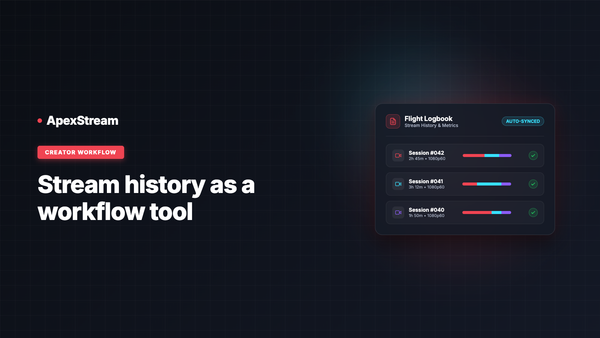
Discover how Flight Log turns past streams into workflow assets with downloads, analytics, Reuse Settings, and automated Schedule Replay.
Learn how to structure a high-impact, professional broadcast within ApexStream's Free plan limits of 2 hours, 720p output, and 2 destinations.
Understand when to use SRT egress in ApexStream. Learn the address format, packet loss recovery benefits, and professional workflow applications.